Rust 安装和入门教程
1. 安装 Rust
Linux/macOS 系统:
1 | curl --proto '=https' --tlsv1.2 -sSf https://sh.rustup.rs | sh |
Windows 系统:
- 下载安装器:https://www.rust-lang.org/tools/install
- 运行
.exe文件安装
验证安装:
1 | rustc --version # 查看编译器版本 |
2. Hello World 程序
创建项目目录:
1 | mkdir hello_rust |
创建源文件 main.rs:
1 | // 这是单行注释 |
3. 编译和运行
方法一:直接编译(rustc)
1 | # 编译 |
方法二:使用 Cargo(推荐)
1 | # 创建新项目 |
4. Cargo 项目示例
创建 Cargo.toml(Cargo 自动生成):
1 | [package] |
src/main.rs 内容:
1 | fn main() { |
5. 运行结果示例
1 | $ cargo run |
常用 Cargo 命令
1 | cargo new <项目名> # 创建新项目 |
小贴士
- Rust 文件命名:使用
.rs扩展名 - 缩进:推荐使用 4 个空格
- 分号:每个语句结尾需要分号
println!后面的!:表示这是宏而不是普通函数
现在你已经成功安装了 Rust 并运行了第一个程序!🎉
本博客所有文章除特别声明外,均采用 CC BY-NC-SA 4.0 许可协议。转载请注明来源 Nosaw博客!
相关推荐
2026-06-06
Rust 核心解密:为什么你的变量“消失”了?一文读懂所有权机制
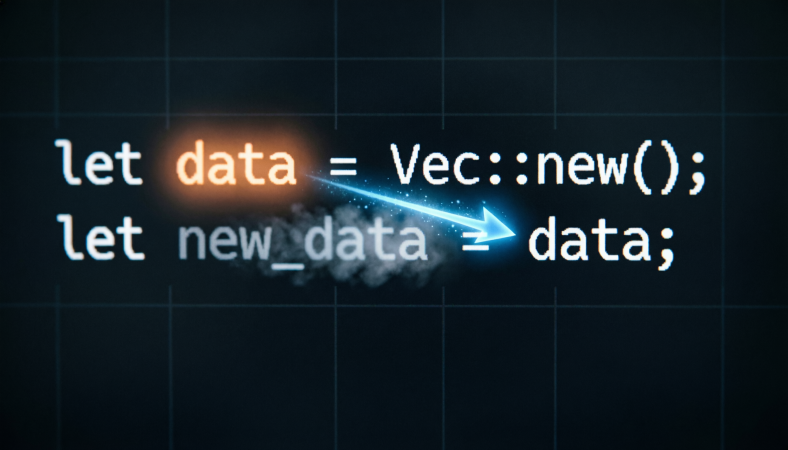
Rust 核心解密:为什么你的变量“消失”了?一文读懂所有权机制 摘要:在 Rust 的世界里,赋值不仅仅是复制,更是一场所有权的交接。本文将带你穿透栈与堆的迷雾,揭开 Rust 内存安全的终极秘密——所有权(Ownership)。 如果你刚从 Java、Python 或 JavaScript 转向 Rust,你可能会遇到一个让人抓狂的现象:明明刚才还存在的变量,怎么突然就不能用了? 123let s1 = String::from("Hello");let s2 = s1;println!("{}", s1); // ❌ 编译错误!value borrowed here after move 这并非 Bug,而是 Rust 设计哲学的基石——所有权(Ownership)。今天,我们就从内存管理的底层逻辑出发,彻底搞懂 Rust 是如何管理资源的。 01. 栈与堆:内存的双面舞台要理解所有权,首先得知道数据住在哪里。现代计算机内存主要划分为几个区域,其中与我们编程最相关的是栈(Stack)和堆(Heap)。 栈(S...

2026-06-08
Rust 核心解密:驯服“野牛”!一文搞懂借用与引用的生死规则
Rust 核心解密:驯服“野牛”!一文搞懂借用与引用的生死规则 摘要:为什么明明只是打印一个变量,编译器却报错?为什么可变引用不能复制?本文将深入 Rust 的借用机制,揭开不可变引用与可变引用的“互斥”真相,带你真正驯服这头内存安全的野牛。 在上节课中,我们认识了 Rust 的灵魂——所有权(Ownership)。我们知道,当所有权发生转移(Move)时,原变量就会失效。但这带来了一个巨大的麻烦:如果我想把数据传给函数用一下,但之后还想继续用它,难道每次都要把所有权传进去再传出来吗? 这太繁琐了。为了解决这个问题,Rust 引入了**借用(Borrowing)**的概念。 今天,我们将深入探讨 Rust 中最具挑战性、也最精妙的设计:引用(Reference)与借用规则。准备好你的键盘,我们要开始驯服这头“野牛”了。 01. 什么是借用?在现实生活中,如果你有一本书,朋友想看看,你可以借给他。书还是你的,他只是暂时持有。 在 Rust 中: 借用(Borrowing):是行为。你把资源借给别人用。 引用(Reference):是工具。别人手里拿到的那个“借条”,就是引用。 ...
2026-06-13
告别恐惧,一文弄懂 Rust 的字符串
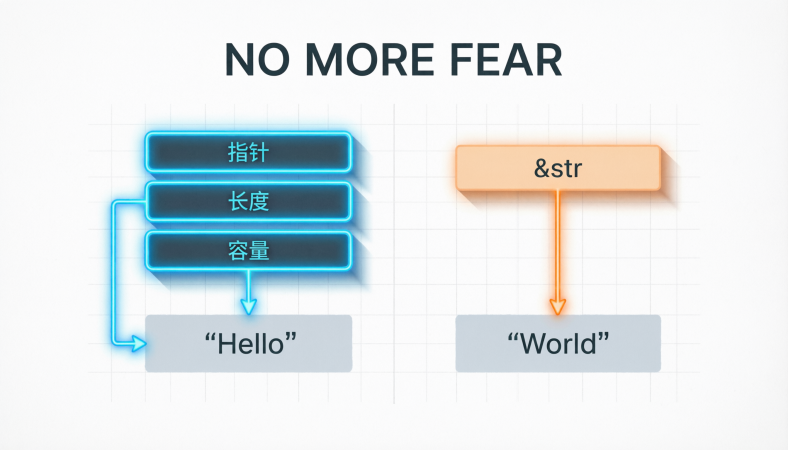
告别恐惧,一文弄懂 Rust 的字符串在 Rust 的学习曲线上,字符串常常是让新手感到困惑的第一道坎。看到 String、&str、&'static str、&[u8]、Vec<u8> 这些类型,很多人的第一反应是:“一个字符串而已,怎么这么复杂?” 别担心,今天我们就来彻底理清 Rust 中的字符串,你会发现它其实并不可怕,反而比 C 语言的 char* 设计得更加精妙、安全。 1. 为什么 Rust 的字符串这么“复杂”?Rust 的设计哲学是 在编译时提供尽可能多的信息。C 语言用一个 char* 代表了所有字符串场景,虽然简单,但丢失了太多信息,比如: 这个字符串是拥有所有权的,还是只读的? 它存储在哪个内存区域(静态区、堆)? 它内部是合法的 UTF-8 编码吗? Rust 通过将不同场景下的字符串抽象成不同的类型,把信息还给了编译器,让编译器能在编译期帮我们检查出更多的错误,保证内存安全和程序正确性。 2. 核心二将:String 与 &str这是 Rust 中最常见的两种字符串类型,是理解其他一切的基础。 ...
2026-06-13
Rust 结构体精要:从基础定义到面向对象实践
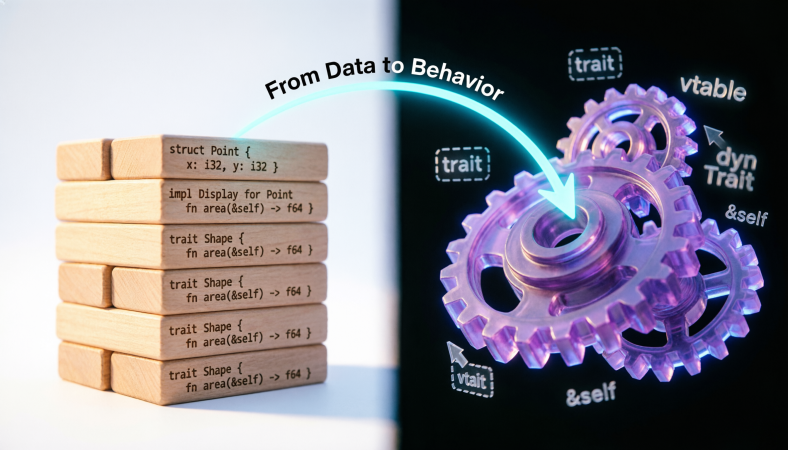
Rust 结构体精要:从基础定义到面向对象实践在 Rust 的学习中,结构体(Struct)是构建程序的骨干,它承载着对目标问题进行建模和描述的重任。本文基于课程内容,系统性地梳理了 Rust 结构体的定义、形式、所有权特性以及如何通过它来实现面向对象编程的风格。 一、结构体的定义与实例化结构体是由其他基础类型或复合类型组成的自定义数据类型。在 Rust 中,使用 struct 关键字来定义。 基础示例: 123456struct User { active: bool, username: String, email: String, sign_in_count: u64,} 这个 User 结构体由 bool、String、u64 等四个字段组成。实例化一个结构体需要同时提供所有字段的值。 便捷的实例化语法: 字段初始化简写:当变量名与字段名相同时,可以省略字段名。 12345678910let active = true;let username = String::from("someusername123"...

2026-06-22
Rust 枚举与模式匹配:从“选项筐”到“逻辑手术刀”
Rust 枚举与模式匹配:从“选项筐”到“逻辑手术刀” 导语:在 Rust 的世界里,enum 绝不仅仅是 C 语言中那些整型常量的集合。它是一个能挂载任意类型的“超级容器”,而 match 则是解剖这个容器的精密手术刀。今天,我们深入 Rust 最地道的特性之一:枚举(Enum)与模式匹配(Pattern Matching)。 1. 枚举:不只是标签,更是“负载”的载体在许多语言中,枚举只是给数字起个名字。但在 Rust 中,枚举是**代数数据类型(ADT)**的核心体现。 🌟 核心概念:变体(Variant)与负载(Payload)Rust 的枚举变体可以挂载各种形式的数据类型,这让它成为了表达复杂状态的神器。 12345enum Shape { Rectangle { width: u32, height: u32 }, // 命名结构体负载 Triangle((u32, u32), (u32, u32), (u32, u32)), // 元组负载 Circle { origin: (u32, u32), ra...

2026-06-22
Rust 进阶:给编译器装上“透视眼”,彻底搞懂类型与泛型
🦀 Rust 进阶:给编译器装上“透视眼”,彻底搞懂类型与泛型 摘要:为什么 Rust 不允许 9 + "1"?什么是“编译期单态化”?如何像搭积木一样构建复杂的类型体系?本文带你拆解 Rust 类型系统的核心逻辑,从基础约束到泛型高阶玩法,让你的代码既严谨又优雅。 在编程世界里,二进制只是一串冷冰冰的 0 和 1。01100001 是什么? 如果是整数,它是 97。 如果是字符,它是 ‘a’。 是“类型”赋予了数据意义。 对于其他语言开发者来说,Rust 的类型系统可能显得有点“洁癖”甚至“严苛”。但正是这种严苛,构建了 Rust 坚不可摧的安全基石。今天,我们就来深入 Rust 的类型世界,看看如何给 Rust 小助手提供更多、更准确的信息。 01. 类型:不仅仅是标签,更是约束在《Programming with Types》中,类型被定义为:数据的分类,它定义了数据的意义、允许的值集合以及可执行的操作。 在 Rust 中,冒号 : 不仅仅是一个语法符号,它在语义上代表着约束(Constraint)。 12let a: u8 = 10; // ...
评论